How to Connect Apple Watch to Peloton Bike in 3 Easy Steps
To connect your Apple Watch to your Peloton bike, start by installing the Peloton app on both your iPhone and Apple Watch. Once installed, open the app on your phone to begin the setup process.
This connection lets you track your workout stats seamlessly.
Next, make sure to grant health permissions by enabling data sharing between the Peloton app and the Health app on your iPhone. This step is crucial for syncing your fitness data correctly.
Finally, start a workout on your Peloton bike. When you see the prompt on your Apple Watch, tap it to sync your watch for real-time metrics during your session.
Keep going to discover tips for a smoother, more motivating workout experience.
Key Takeaways
- Download and install the Peloton app on both your iPhone and Apple Watch.
- Open the Peloton app on your iPhone, go to “More” > “Apple Watch,” and tap “Set Up” to start the connection.
- Grant Peloton permission to access your Health App data and make sure fitness data sharing is enabled on your iPhone.
- Also, check that the Peloton app is toggled on under Installed Apps in the Apple Watch app on your iPhone.
- When you start a workout on the Peloton Bike, just tap the push notification that appears on your Apple Watch to connect.
Install Apps and Pair Your Apple Watch With Peloton
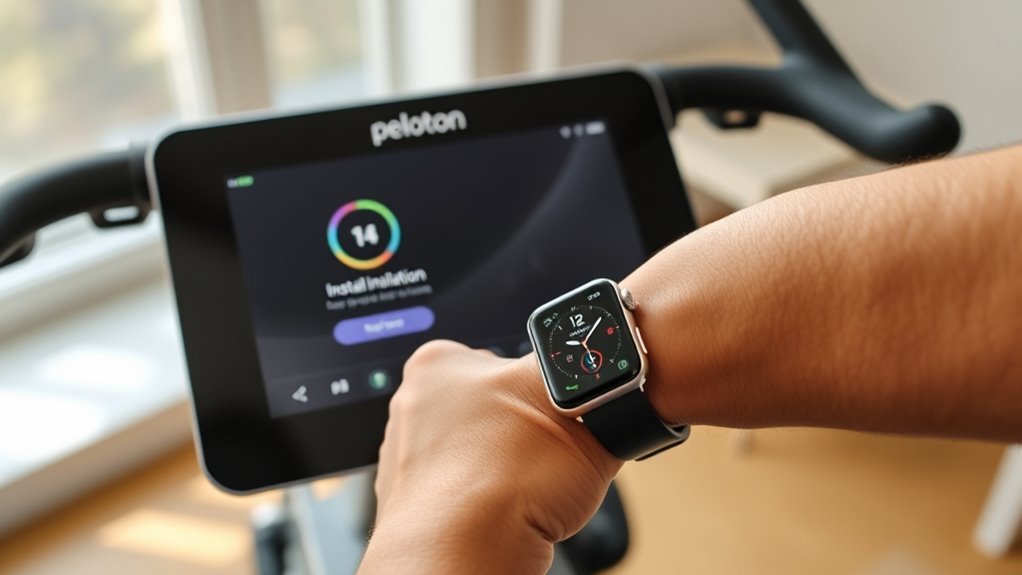
Before you hop on your Peloton bike, make sure you download the Peloton app on your iPhone or iPad and install it on your Apple Watch through the Watch app. To start the setup, open the Peloton app on your iPhone, tap “More,” then “Apple Watch,” and select “Set Up.”
Here, you’ll grant permission to connect with the Health App, allowing your Apple Watch to share fitness data seamlessly. Next, open the Apple Watch app on your iPhone, scroll to Installed Apps, and toggle on Peloton to enable synchronization between the devices.
During setup, choose options like “Connect to Health App,” “Share Your Location,” and “Track Your Movement” to guarantee full functionality. Finally, confirm the Peloton app appears on your Apple Watch’s home screen and remains toggled on.
Allow Health Permissions and Link Your Apple Watch

Once you open the Peloton app and navigate to Profile > More > Add-Ons > Apple Watch, you’ll be prompted to grant essential permissions in the Apple Health app. To connect your Apple Watch successfully, select “Turn on All” to allow the Peloton app access to your health data.
During setup, make sure to enable options like “Connect to Health App,” “Share Your Location,” and “Track Your Movement.” These settings help ensure thorough workout data tracking.
Also, double-check that the Peloton app is installed on your Apple Watch and toggled on within the Watch app under Installed on Apple Watch. This step is key for syncing your workout data seamlessly between your devices.
Finally, confirm your Apple Watch displays the Peloton app and that all necessary health permissions are granted. By following these steps, you’ll guarantee a smooth connection and accurate data sharing, setting you up for a better Peloton workout experience.
Start and Monitor Your Peloton Workout on Apple Watch

After granting health permissions and confirming your Apple Watch is synced with the Peloton app, you’re ready to start your workout. Turn on your Peloton Bike and choose the class you want.
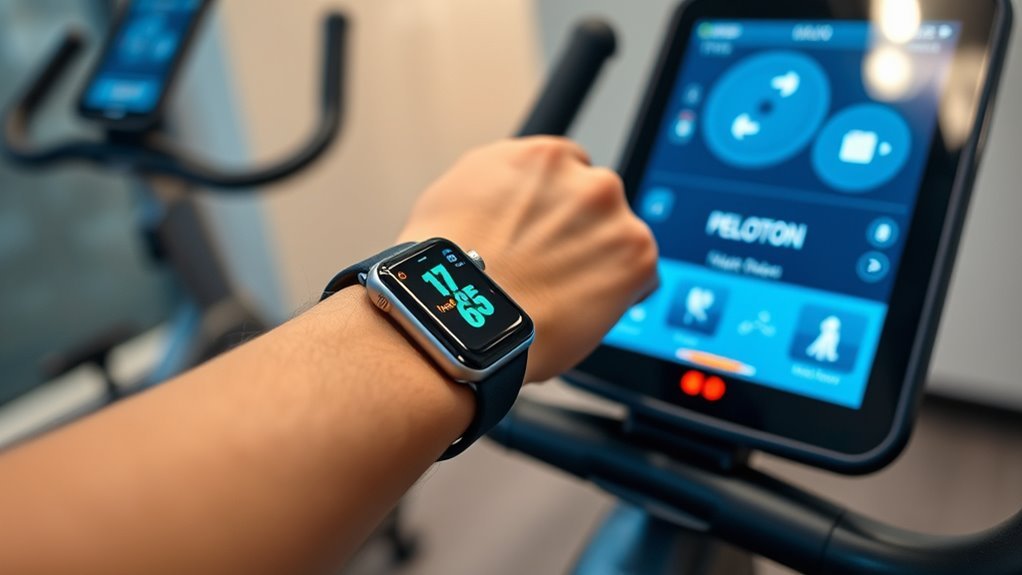
When the workout begins, you’ll get a push notification on your Apple Watch—just tap “Connect” to link your watch and start tracking. If the notification doesn’t pop up, open the Peloton Watch App manually within 30 seconds to get connected. Make sure your Apple Watch is properly paired with your iPhone and Peloton app before you begin.
During your session, you can easily monitor your real-time heart rate and other workout metrics right on your Apple Watch screen. This way, you can stay focused on your performance without constantly checking the bike’s display.
Using your Apple Watch alongside the Peloton Bike really enhances your workout experience by giving you seamless tracking and instant feedback through the Peloton App. It’s a simple way to keep everything in sync and stay motivated!
Frequently Asked Questions
How to Get Apple Watch to Connect to Peloton Bike?
You’ll open the Peloton app on your Apple Watch during your workout, then tap “Connect” when prompted.
If no notification appears, manually launch the app to sync and start tracking your heart rate and workout data.
Can I Use My Apple Watch With My Peloton Bike?
You can definitely use your Apple Watch with your Peloton Bike—it’s like your heart rate and workout stats dancing together in sync. Just wear your watch, start a class, and watch your data flow seamlessly on screen.
It’s super easy to set up, and once you’re riding, you’ll see your metrics update in real-time. So go ahead, sync them up and make your workouts even more motivating!
How to Connect Apple Watch to Cycling Bike?
You connect your Apple Watch by enabling Bluetooth on both devices. Then, open the Peloton app on your watch during your cycling session.
Make sure to grant the necessary permissions in the Health app. This way, your workout and heart rate data will sync seamlessly. It’s pretty straightforward!
Why Is Peloton Not on My Apple Watch?
Peloton’s possibly playing peekaboo because your Apple Watch isn’t paired, permissions aren’t provided, or the app isn’t properly placed.
Check compatibility, update software, and add Peloton as a complication to see it shine on your wrist.
Conclusion
Connecting your Apple Watch to your Peloton bike is like syncing two powerful engines, ready to drive your fitness journey forward. By installing the apps, granting permissions, and linking your devices, you gain access to a seamless flow of data that fuels motivation.
As you start your workout, your watch becomes a compass, guiding every pedal stroke with precision. Embrace this connection, and watch your progress soar.
With your Apple Watch connected to your Peloton bike, tracking your heart rate, calories burned, and workout stats becomes effortless. This seamless integration helps you stay motivated and focused, making every ride more effective and enjoyable. So, take these simple steps today and unlock the full potential of your fitness journey—because when your devices work together, your results truly become unstoppable.